Kojable Blog reference entry
How to Access Google AI Mode (and Whether You Need to Enable It)
Google AI Mode is an AI-powered experience within Google Search designed for questions that benefit from deeper exploration, comparison or follow-up.
Category AI Search Guides
Also known as Google AI Mode, Google AI Search, Google AI Search Mode, AI Mode in Google Search
Google AI Mode can currently be accessed in three main ways: go directly to google.com/ai, run a search on Google and select AI Mode, or open AI Mode from the Google app. You do not generally need to opt into Search Labs simply to access standard AI Mode. Search Labs is Google's separate opt-in environment for early access to experimental AI Mode capabilities. Availability still depends on Google's current country, territory and language support. See Google's current AI Mode Help documentation.
What is Google AI Mode?
Google AI Mode is an AI-powered experience within Google Search designed for questions that benefit from deeper exploration, comparison or follow-up. Instead of stopping at a conventional results page, you can receive an AI-generated response, explore supporting web links and continue with follow-up questions. Google also supports text, voice, image and file inputs within AI Mode. See Google AI Mode and Google AI Mode Help.
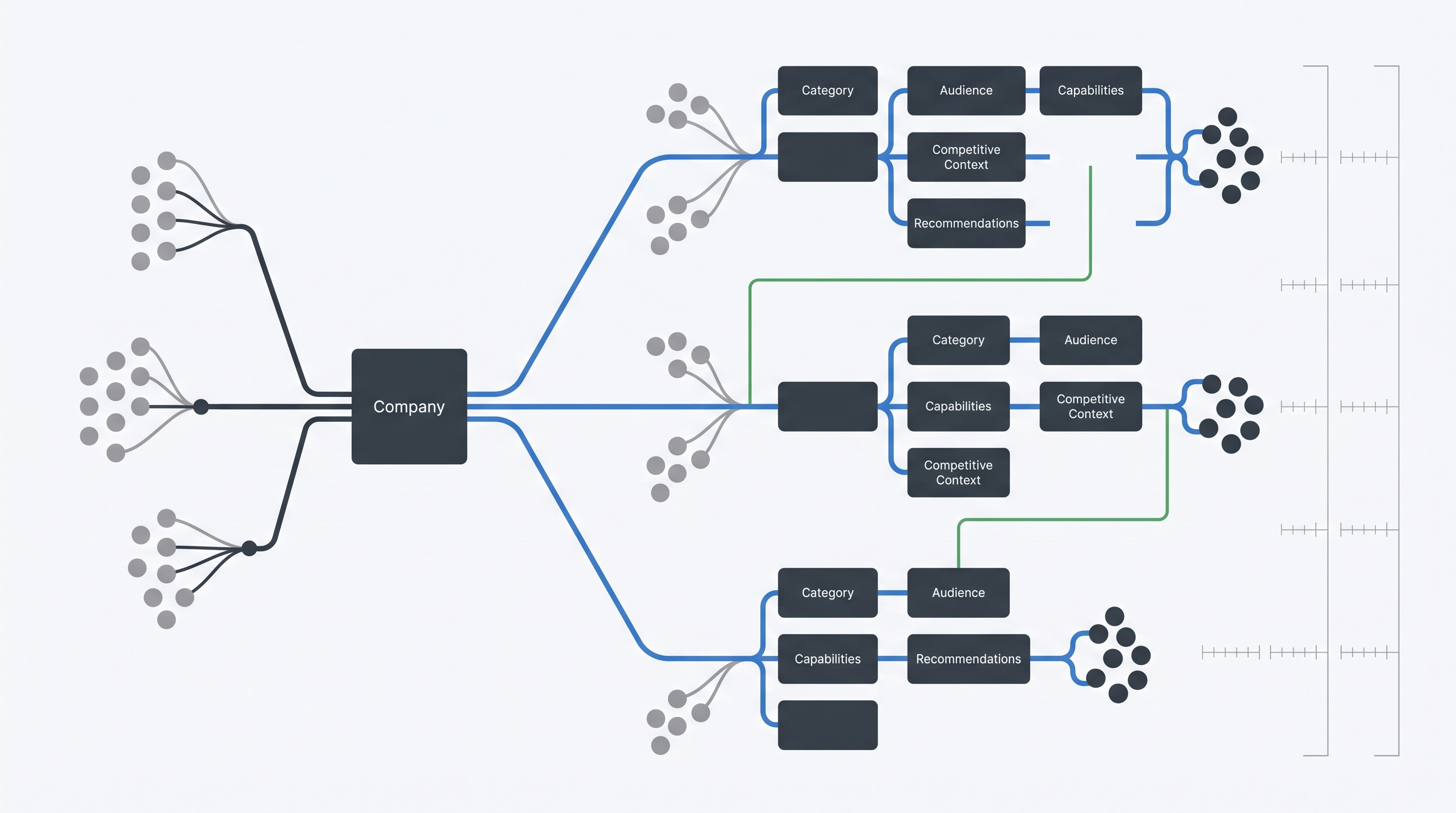
It is useful to define the entity precisely because AI Mode is not the standalone Gemini product or an AI Overview. Google currently says AI Mode uses Gemini 3 capabilities, while AI Overviews are a separate Google Search feature.
For anyone following an older guide, that distinction matters because the way Google distributes AI Mode has changed. Instructions built around a US-only Search Labs rollout no longer describe the standard access workflow accurately.
Do you need to enable Google AI Mode?
For standard AI Mode access, usually no separate Search Labs activation step is required.
Google's current AI Mode documentation provides direct access routes and describes Search Labs separately as an opt-in testbed for getting early access to experimental AI Mode capabilities. See Google AI Mode Help and the Search Labs AI Mode experiment.
That means a search for “how to enable Google AI Mode” can start with the wrong assumption. Before changing account settings or looking for a Labs toggle, first try one of Google's normal access routes.
Search Labs still matters if you specifically want an experimental capability that Google has placed inside the AI Mode experiment. But that is different from accessing standard AI Mode itself.
This is also why older tutorials can be confusing. A workflow that was correct during an earlier staged rollout can become obsolete even though the article itself remains online.
How do you access Google AI Mode?
Google currently documents three standard routes in AI Mode Help.
1. Open AI Mode directly
Go to google.com/ai.
This is the simplest route if your goal is specifically to use AI Mode rather than begin with a conventional Google results page.
Checkpoint: You should reach the AI Mode interface and see the option to ask a question.
2. Enter through Google Search
Go to Google, enter your question and select AI Mode when it is available in the Search interface.
This route is useful when you begin with a conventional search and then want to move into a deeper AI-assisted exploration.
Checkpoint: The search experience should switch into AI Mode rather than remain on the conventional results page.
3. Use the Google app
In the Google app, use the AI Mode entry point on the home screen. Google documents this as another standard access route.
Checkpoint: You can enter a question and receive an AI-powered response inside the AI Mode experience.
The exact layout can change. Google says it continues to refine AI Mode, add functionality and update its interface, so the underlying access method matters more than the precise position of a button in a screenshot.
Where is Google AI Mode available?
AI Mode is no longer accurately described as a US-only product. Google maintains a current list of supported countries, territories and languages in its AI Mode Help documentation.
Because this list can change, the practical approach is not to rely on an old article's country list.
If AI Mode is missing:
- check Google's current AI Mode availability page;
- confirm that your country or territory is supported;
- check that the language you are using is supported;
- try one of Google's documented standard access routes.
This is more reliable than assuming that absence means you need to activate Search Labs.
It also keeps two different problems separate: availability and technical troubleshooting. If Google says AI Mode is supported in your context and the direct access route still does not work, you have moved beyond the basic access question into troubleshooting.
Do you need a Google account or Search Labs?
Standard AI Mode and Search Labs do not use the same account rules. Google says AI Mode can still be accessed without the history settings needed to resume previous searches, while the Search Labs experiment currently requires a personal, self-managed Google Account and is not available to Workspace accounts.
That distinction matters because Search Labs eligibility should not be turned into a universal requirement for standard AI Mode. See standard AI Mode Help and Search Labs AI Mode experiment eligibility.
Some personalised or advanced capabilities have additional account requirements. Google also notes that Workspace settings can affect Search history. If Search and Assistant are disabled for a Workspace user, history availability may depend on the organisation's administrator.
A better diagnostic is therefore to ask:
- Are you trying to access standard AI Mode?
- Are you trying to use the Search Labs AI Mode experiment?
- Are you trying to use an account-specific, personalised or premium capability?
Those are different cases.
How do AI Mode, AI Overviews and Search Labs differ?
AI Mode, AI Overviews and the Search Labs AI Mode experiment are related Google Search experiences, but they are not interchangeable.
| Surface | What it is | How you encounter it | Is Search Labs required? | Why the distinction matters |
|---|---|---|---|---|
| Google AI Mode | A dedicated AI-powered Google Search experience for deeper exploration, reasoning and follow-up questions | Direct AI Mode access, through Google Search, or through the Google app | No for standard access | This is the main experience covered by this guide |
| AI Overviews | AI-generated summaries that can appear within conventional Google Search results | Google shows them when its systems determine they add value to the normal results experience | No | Seeing an AI Overview does not mean you are in the dedicated AI Mode experience |
| AI Mode in Search Labs | An opt-in experiment for early access to experimental AI Mode capabilities | Through Search Labs, subject to its own eligibility rules | Yes, because this is specifically the Labs experiment | Older enablement guides often confuse this experiment with standard AI Mode |
Google describes AI Overviews as a way to get the gist of a more complex question quickly and then explore supporting links. They appear when Google's systems determine that an AI Overview adds value to the conventional Search experience. See Google Search Central's documentation on AI features.
AI Mode is designed for deeper exploration. It supports questions that may previously have required multiple searches, including nuanced research and complex comparisons, and allows the user to continue with follow-up questions.
Google also says AI Mode and AI Overviews may use different models or techniques and can return different responses and links.
The practical distinction is straightforward:
- an AI Overview may appear automatically during a normal search;
- AI Mode is a dedicated experience you deliberately enter when you want to explore further;
- Search Labs is an opt-in environment for testing experimental capabilities.
That distinction also matters for teams evaluating how their company appears in AI-mediated search. Results observed in one Google AI surface should not automatically be treated as equivalent to results observed in another.
How do you verify that Google AI Mode is working?
Do not use the visibility of a tab as your only test. Complete an actual interaction.
A simple verification sequence is:
- Open AI Mode through one of Google's documented routes.
- Ask a specific question that requires more than a one-word answer.
- Confirm that Google returns an AI-powered response.
- Open one or more of the supporting web links where useful.
- Ask a follow-up question that continues the same topic.
Google documents AI-powered responses, follow-up questions and web exploration as core AI Mode behaviours in AI Mode Help.
Pass condition: you can submit a question, receive an AI Mode response and continue the interaction.
Do not treat the answer itself as verified fact merely because AI Mode produced it. Google explicitly warns that AI Mode can make mistakes and recommends checking important information in more than one place.
That verification habit matters particularly when you use AI Mode for company research, competitive comparisons or decisions with material consequences.
What should you do if Google AI Mode still is not showing?
First establish whether you actually have an access problem.
Check:
- Google's current country, territory and language availability;
- the direct
google.com/airoute; - AI Mode through a normal Google search;
- the Google app, where relevant.
If those checks fail despite your context appearing supported, move into a dedicated troubleshooting process.
Avoid jumping immediately to claims such as “your VPN is blocking it”, “Chrome is required”, “your cache is corrupted” or “you must enable Labs”. Those explanations appear frequently in third-party troubleshooting guides, but they should not be treated as universal causes without evidence.
The important first distinction is:
AI Mode is unavailable in your context
versus
AI Mode should be available, but you cannot currently reach it.
The second problem deserves its own diagnostic workflow rather than turning this access guide into a long list of speculative fixes.
What should teams do after AI Mode access is working?
For an individual user, reaching AI Mode may be the end of the setup task.
For a team trying to understand how AI systems represent its company, it is only the beginning.
A one-off question tells you what appeared in one interaction. It does not establish a stable representation baseline. A more useful monitoring process controls the parts of the test that the team can control:
- define the buyer questions you care about;
- retain the exact prompt wording;
- record the platform and surface used;
- record when each observation was collected;
- retain the answer and relevant source links;
- repeat comparable checks;
- distinguish recurring patterns from one-off variation;
- investigate meaningful inaccuracies, omissions or competitor framing;
- make justified improvements;
- retest comparable questions to verify what changed.
That is the distinction between using an AI search feature and managing AI answer alignment.
Kojable uses a Monitor → Diagnose → Improve → Verify operating model for this work. Monitoring establishes the current representation; diagnosis identifies meaningful gaps and evidence patterns; improvement turns those findings into specific actions; verification retests comparable questions to see what changed.
The purpose is not to claim control over Google or another AI system. It is to make AI representation observable, identify justified improvements to the information environment, and measure subsequent answers under comparable conditions.
Run your free AI brand audit to establish a current baseline of how major AI systems represent your company.
Frequently asked questions
Do I need Search Labs to use Google AI Mode?
No, not for standard AI Mode access. Google provides direct access to AI Mode through google.com/ai, Google Search and the Google app. Search Labs is a separate opt-in environment used for early access to experimental AI Mode capabilities.
Where can I find Google AI Mode?
Google currently documents three access routes: go directly to google.com/ai, enter a question in Google Search and select AI Mode, or use the AI Mode entry point in the Google app. Availability still depends on Google's current supported countries, territories and languages.
Can Google Workspace users access AI Mode?
Google's standard AI Mode documentation includes Workspace-specific history settings, which indicates that Workspace accounts are not categorically excluded from standard AI Mode. Access and history can still depend on administrator configuration. Search Labs is different: Google currently says its experiments are not available to Workspace accounts.
Is Google AI Mode the same as AI Overviews?
No. Both are Google Search AI features, but AI Overviews appear selectively inside conventional Search results, while AI Mode is a dedicated experience designed for deeper exploration, reasoning, complex comparisons and follow-up questions. Google says the two can use different models and techniques and may return different responses and links.
Does AI Mode always give a correct answer?
No. Google explicitly warns that AI Mode can make mistakes or miss context and recommends checking important information in more than one place. For consequential research, review the underlying sources rather than treating the generated response as the final authority.
Which sources support this guide?
This guide uses Google's current AI Mode Help documentation for access routes, availability, account/history conditions and the distinction between standard AI Mode and the Search Labs experiment.
Google's AI Mode product page supports the description of AI Mode as an exploratory Search experience with AI-powered responses, multimodal input, follow-up questions and links to the web.
Google Search Central provides the primary distinction between AI Mode and AI Overviews, including their differing roles and the fact that their responses and links can vary.